Best Smart Locks for Renters (2026): 7 No-Drill Picks That Keep Your Deposit Safe
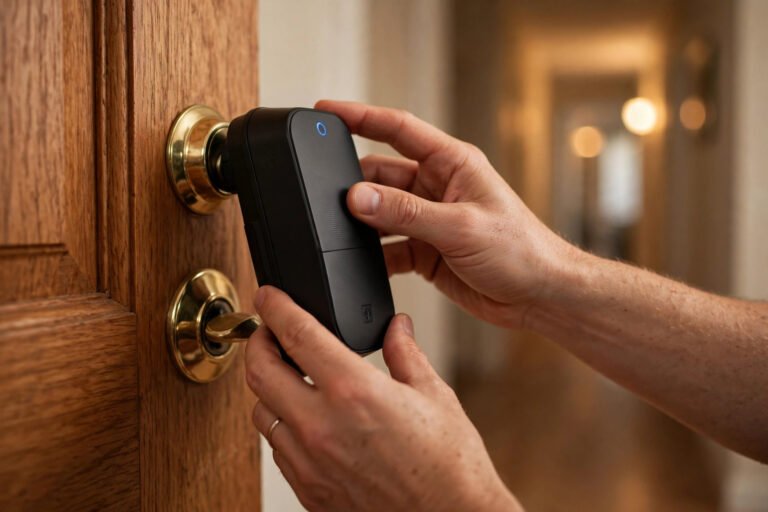
Your apartment door is the one smart upgrade you touch every single day, and it is also the one your landlord cares about most. The good news: you do not need to drill, rewire, or replace anything permanently to get keyless entry. Every lock on this list is designed to be renter-friendly: either a retrofit that fits over a compatible existing deadbolt, or a full replacement you can reverse with a screwdriver when you move out. Compatibility depends on your door and existing hardware, so check the fit before buying. And note: reversible does not automatically mean landlord-approved — get written permission first.
New here? Start with our Renter-Friendly Smart Home: The Complete Starter Guide – this buying guide is part of that series.
Short answer: the best smart lock for renters is the August Wi-Fi Smart Lock (4th Gen), a retrofit that mounts over the deadbolt you already have, so your keys stay yours and it can come off when you move.
A quick note on how we picked these: product picks come from manufacturer specs and verified user reviews, not paid placements. Prices below are approximate US street prices and change with sales. None of these picks require drilling new holes in a compatible installation — always confirm fit for your door. For the landlord-permission side of this decision, read our guide: Can You Put a Smart Lock on an Apartment Door?
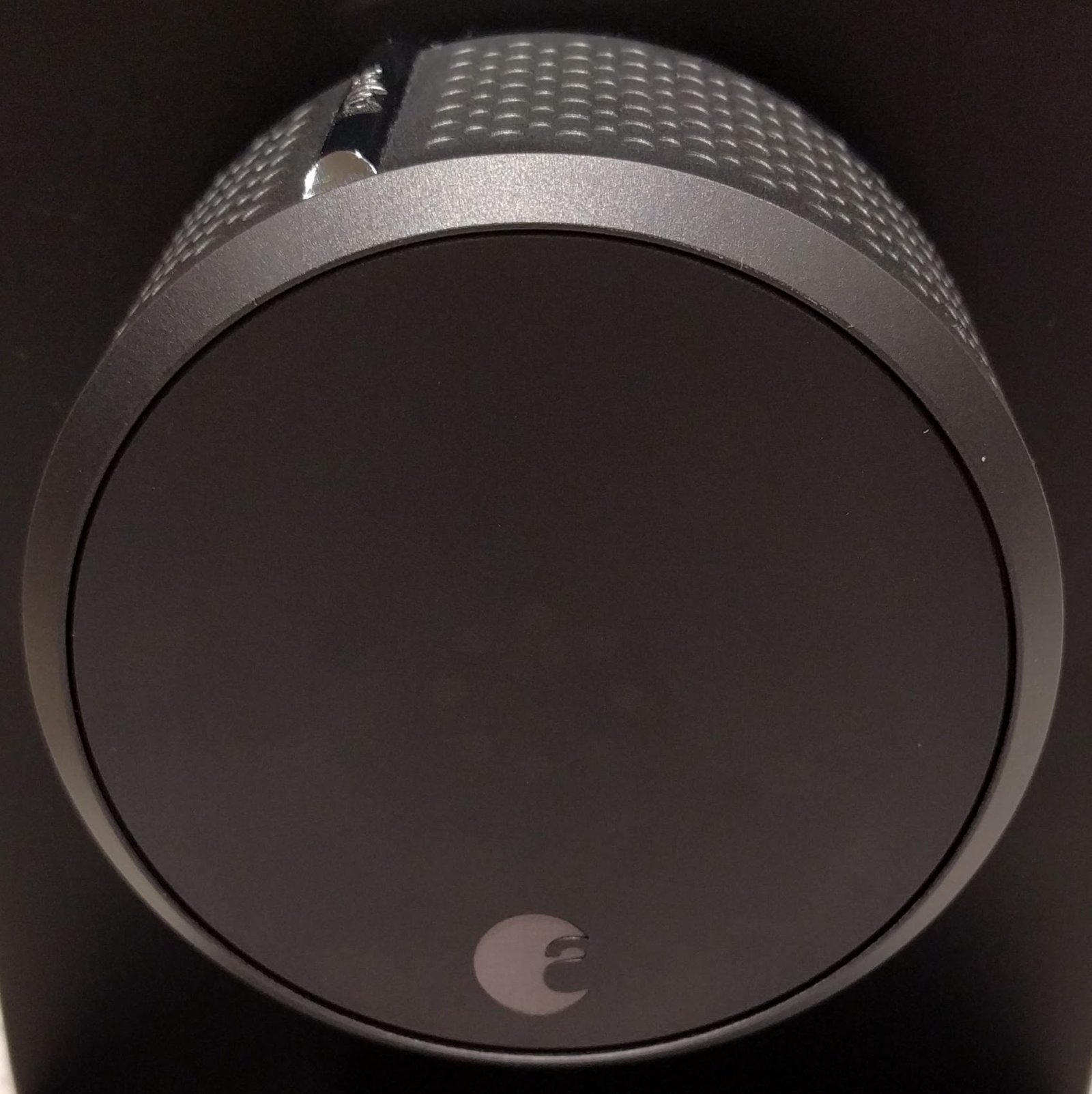
How we built this list: We have not installed every lock on this list ourselves. Our picks come from manufacturer specifications and verified owner reviews – no brand paid for placement. Prices were last checked against official brand stores in October 2026. Where a photo shows an earlier model than the one reviewed, the caption says so.
The 7 Best Smart Locks for Renters at a Glance
| Smart Lock | Best For | Type | Approx. Price | Hub Needed | Matter / Home Key | Fingerprint / Keypad | Battery Life | Install method | Keeps your original key? |
|---|---|---|---|---|---|---|---|---|---|
| August Wi-Fi Smart Lock (4th Gen) | Most renters | Retrofit | ~$199 | No (Wi-Fi built in) | No | No (keypad bundle separate) | 3-6 months | Retrofit: mounts over the interior side of your deadbolt | Yes |
| Wyze Lock Bolt v2 | Tight budgets | Replacement (reversible) | ~$80 | No (Wi-Fi built in) | – | Fingerprint + keypad built in | Up to 8 months | Replaces the deadbolt (screws) | No, comes with its own keys |
| SwitchBot Lock Pro | Thumbturn doors, no tools | Retrofit | ~$120 | Optional (Hub 2 for Matter) | Via Hub 2 | Fingerprint via Keypad Touch (separate) | Up to 9 months | Retrofit: adhesive on the interior | Yes |
| Aqara Smart Lock U200 | Apple Home / Matter homes | Retrofit | ~$270 | Thread border router for remote | Yes | Fingerprint on included keypad | Up to 6 months | Retrofit: interior mount | Yes |
| Yale Assure Lock 2 (Wi-Fi) | Keypad lovers, guest codes | Replacement (reversible) | ~$220 | No (Wi-Fi built in) | Via module | Keypad yes | – | Replaces the deadbolt (screws) | No, new keys |
| Level Lock+ | Invisible look | Replacement (reversible) | ~$349 | Level Connect for remote | Yes | No | Up to 6 months | Replaces the deadbolt | No, new keys |
| Schlage Encode Plus | Premium build, top security | Replacement (reversible) | ~$329 | No (Wi-Fi built in) | Home Key only | Touchscreen keypad | Up to 6 months | Replaces the deadbolt (screws) | No, new keys |
If your landlord needs to keep a working key, choose a retrofit that keeps your original key.
Retrofit vs. Replacement: What Renters Need to Know
There are two kinds of smart lock, and the difference decides whether you even need to ask your landlord.
Retrofit locks clamp over the deadbolt hardware that is already on your door, on the inside. Your landlord’s key keeps working from the outside, nothing on the exterior changes, and removal takes minutes. August, SwitchBot, and Aqara on this list are retrofits. If your lease is strict, start here.
Replacement locks swap out the entire deadbolt for a smart one. This takes a screwdriver and about 15 minutes, and it is fully reversible: keep the original deadbolt in a drawer and put it back on move-out day. Wyze, Yale, Level, and Schlage on this list are replacements. Because the door itself is never modified, these are easier for landlords to approve — but get that approval in writing first.
Will it fit your door?
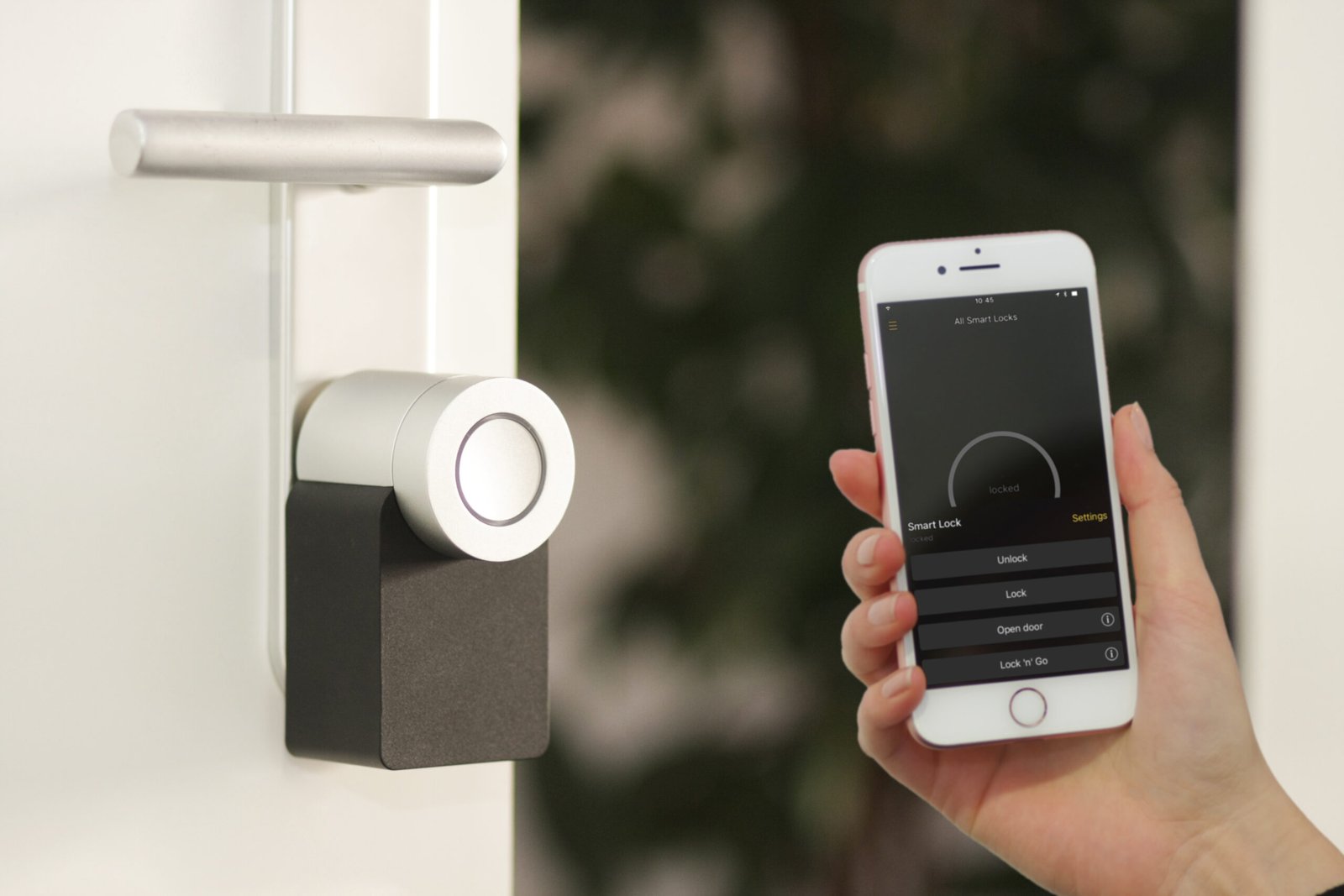
Check these before you buy
- Your deadbolt type. Most retrofits are designed for a single-cylinder deadbolt: a keyhole outside and a thumbturn inside. If you have a keyhole on both sides, a mortise lock, or a handle-set combo, check the lock’s compatibility page before ordering.
- Your thumbturn. Retrofits grip the thumbturn, so check that the shape matches the lock’s included adapters.
- Clearance. Make sure the unit won’t hit the door frame, trim, handle or a storm door when the door opens and closes.
- Replacement locks only: your door’s measurements. Compare your door thickness, backset and bore sizes against the manufacturer’s spec sheet. Don’t rely on a generic “standard door” claim.
- The no-force rule. If a lock only fits after you enlarge a hole or chisel the door edge, it isn’t a no-drill install for your door. Stop and return it.
Keep the packaging until you’ve tested the fit.
1. August Wi-Fi Smart Lock (4th Gen) – Best Overall for Renters
Type: Retrofit | Approx. price: ~$199
August is the classic renter pick for a reason: it only replaces the interior thumbturn of your existing single-cylinder deadbolt, and compatibility varies by deadbolt and door. From the hallway, your door looks exactly the same, and your landlord’s key works like nothing changed. Wi-Fi is built in, so there is no extra hub to buy or plug in, and DoorSense tells you in the app whether the door is actually closed, not just locked.
Auto-unlock as you walk up with your phone is a standout feature in reviews, and guest access means no more hiding a spare key under the mat for the dog walker.
Keep in mind: it needs an existing single-cylinder deadbolt to clamp onto. If your door has no deadbolt at all, August is not an option.
Official specs: august.com
2. Wyze Lock Bolt v2 – Best Budget Pick
Type: Full replacement (reversible) | Approx. price: ~$80
Eighty dollars for a fingerprint smart lock is hard to argue with. The Lock Bolt v2 replaces your deadbolt, reads fingerprints in 0.5 seconds according to Wyze, and has a backlit keypad for codes plus a hidden traditional keyway with physical backup keys included. Built-in Wi-Fi means you can lock and unlock remotely and get notifications without buying a hub (nearby control uses Bluetooth; remote access needs Wi-Fi), Wyze rates battery life up to eight months, and a USB-C port on the outside gives you emergency power if the batteries die.
Keep in mind: this is a full deadbolt swap, so budget 15 minutes with a screwdriver and keep the original hardware. The exterior has a keypad rather than a visible keyhole, which some renters love and some do not. (Wyze also sells the original retrofit Wyze Lock at around $124 if you want a no-swap option — check availability before counting on it.)
Official specs: wyze.com
3. SwitchBot Lock Pro – Easiest Install
Type: Retrofit | Approx. price: ~$120
If the idea of touching your deadbolt at all makes you nervous, the SwitchBot Lock Pro is the gentlest option here. It mounts over your existing interior thumbturn with adhesive and a clamp, no tools required, and it supports up to 15 unlock methods across the Lock Pro system – though fingerprint and passcode need the separately sold Keypad Touch, and some methods need extra accessories or a hub. Apple Watch control works through the SwitchBot app setup.
Keep in mind: Matter support needs the SwitchBot Hub 2, sold separately. Also note: the Lock Pro itself does not read fingerprints – fingerprint unlocking requires the separate Keypad Touch.
Official specs: switch-bot.com
4. Aqara Smart Lock U200 – Best for Apple Home and Matter
Type: Retrofit | Approx. price: ~$270
The U200 is the retrofit for smart-home enthusiasts. It fits over many US deadbolts with an included adapter (check your cylinder and door compatibility first), supports Apple Home Key (tap your iPhone or Apple Watch to unlock), and speaks Matter over Thread, so it slots into Apple Home, Google Home, and Alexa setups.
Keep in mind: remote access over Matter/Thread needs a compatible Thread border router in your home, such as a HomePod mini or Apple TV 4K depending on your ecosystem. Without one, it still works fine over Bluetooth when you are near the door.
Official specs: aqara.com
5. Yale Assure Lock 2 with Wi-Fi – Best Keypad and Guest Codes
Type: Full replacement (reversible) | Approx. price: ~$220
Yale’s Assure Lock 2 is the code-management champion: up to 250 unique user codes (per Yale; exact count can vary by model and configuration), so every guest, cleaner, and dog walker gets their own code you can revoke anytime. The Wi-Fi version connects directly without a hub, DoorSense confirms the door is closed, and Yale sells swappable network modules for the Assure Lock 2 line – confirm module compatibility for your exact model before assuming you can switch between Wi-Fi, Z-Wave, and Matter later.
Keep in mind: full deadbolt replacement, so keep the original for move-out day. A keyed version exists if you want a physical backup key.
Official specs: yalehome.com
The Assure Lock 2 is also modular, so you can swap its connectivity module later instead of replacing the whole lock. That makes it the easiest pick here to upgrade over time.
6. Level Lock+ – The Invisible Option
Type: Full replacement (reversible) | Approx. price: ~$349
Level hides the smart lock mechanism inside your door, so from the hallway your existing exterior hardware looks exactly as it does now (on compatible deadbolts – check fit for yours). That makes the permission conversation noticeably easier. It supports Apple Home Key and keeps the exterior hardware you already have.
Keep in mind: remote access needs the small Level Connect bridge, which is included in the box. You are paying a premium for invisibility.
Official specs: level.co
7. Schlage Encode Plus – Premium Pick, Top Security Ratings
Type: Full replacement (reversible) | Approx. price: ~$329
Schlage is a long-established lock brand, and the Encode Plus is BHMA Grade AAA certified under the residential security standard (also rated Commercial Grade 1). Built-in Wi-Fi means no hub, Apple Home Key is supported, and reviewers often praise the touchscreen keypad’s solid feel.
Keep in mind: this is the priciest pick here and a full replacement. Worth it if security certification matters to you or your landlord asked for a “real” lock brand.
Official specs: schlage.com
Which One Should You Actually Buy?
- Want the simplest renter-safe choice? August Wi-Fi (retrofit, nothing changes outside).
- On a budget? Wyze Lock Bolt v2 (~$80, fingerprint included).
- Deep in Apple Home or Matter? Aqara U200.
- Need tons of guest codes? Yale Assure Lock 2.
- Want the least visible option? Level Lock+.
- Want the toughest certified lock? Schlage Encode Plus.
- Hate tools? SwitchBot Lock Pro.
Pair your lock with a video doorbell for apartments without existing wiring and you have covered both sides of your front door without drilling a single hole.
Newly Shipping: Worth Watching
Two new Matter-certified locks from ULTRALOQ are hitting shelves right now. The Bolt Pro ($269.99) is a deadbolt with an Aliro digital wallet key, fingerprint reader, PIN pad, app control, and a physical key backup. It runs on Thread plus Wi-Fi and is on preorder, expected to start shipping the week of November 15. The Latch 5 Pro ($249.99) is a lever-style lock with the same Aliro key, fingerprint, and PIN unlock, and it is already in stock.
Also announced but not shipping yet: the Ring Smart Lock ($249, announced October 2026). It has a hand-crank power dial, fingerprint reader, keypad, and Alexa, with remote access over Sidewalk — but no Matter, Thread, or HomeKit support. US sales are expected in early 2027 pending FCC approval. We will add it to the main list once it is actually available and reviewed.
Two honest notes before you get excited. First, both are full lock replacements, not retrofit adapters, so you will need your landlord’s permission before installing either one. Second, while ULTRALOQ advertises Apple and Google Wallet support, its own product page currently says only Samsung Wallet works, with Apple and Google listed as “coming soon.” We will update this section once independent reviews land.
Wyze also released a Lever Lock ($99.98) on November 10, but it fits a different kind of door. It works on single-bore lever doors like a garage entry, an office, or a side door, installs with just a screwdriver, and opens with a fingerprint or keypad. It is not a replacement for your main entry deadbolt, so think of it as a second lock for an inside door, not your front door lock.
FAQs
What is the best smart lock for renters?
For most renters, the best smart lock for renters is the August Wi-Fi Smart Lock (4th Gen). It retrofits over your existing deadbolt, so your original lock and keys stay in place, which makes it one of the most renter friendly options. If you want the easiest install, look at the SwitchBot Lock Pro. If budget matters most, the Wyze Lock Bolt v2 is our pick, but it replaces your deadbolt, so get written permission first.
Can I install a smart lock in a rental apartment without landlord permission?
You should not. Even no-drill retrofit locks change how the door operates, and most leases require written approval for lock changes. The permission conversation is usually short, and we wrote a full guide on it: Can You Put a Smart Lock on an Apartment Door? Our free Permission Letter Generator drafts the request for you.
Will my landlord’s key still work with a smart lock?
With retrofit locks (August, SwitchBot, Aqara), yes in most cases. The exterior cylinder is untouched, as long as your existing deadbolt and installation are compatible and unmodified. With replacement locks, the original key stops working, which is why you keep the original deadbolt and reinstall it when you move out.
Do smart locks damage doors? Will I lose my security deposit?
Retrofit locks do not touch the door’s exterior at all. Replacement locks use the existing deadbolt holes and screws, so removal usually leaves no trace as long as you keep the original hardware – though taking a lock off can reveal prior wear. None of these picks require drilling new holes, but always confirm fit for your door.
Retrofit vs. full replacement: which is better for renters?
Retrofit is the safer default: faster install, landlord’s key keeps working, nothing visible changes. Replacement gives you more choices (keypads, fingerprints, premium brands) at the cost of a 15-minute screwdriver job and a permission conversation.
How long do smart lock batteries last?
It varies by lock. Wyze rates the Lock Bolt v2 up to eight months, SwitchBot rates the Lock Pro at six to nine months, and Level rates the Lock+ up to six months under typical use. Heavy Wi-Fi use and frequent locking drain batteries faster, and low-battery warning timing differs by brand – check your lock’s app rather than assuming.
What happens if the battery dies? Can I get locked out?
A dead battery alone rarely locks you out. Retrofit locks leave your physical key working. The Wyze Lock Bolt v2 has an exterior USB-C port for emergency power plus physical backup keys, and most of these locks warn you before batteries die – though warning timing varies by brand, so do not count on weeks of notice.
Do smart locks work during a power outage or Wi-Fi failure?
Yes. The lock itself runs on batteries and the keypad, fingerprint reader, and Bluetooth still work without Wi-Fi or house power. You only lose remote access until Wi-Fi returns.
Are smart locks safe from hacking?
No connected device is unhackable, but the realistic risks are low: use a strong unique password, enable two-factor authentication on the lock’s app account, and keep firmware updated. A common real-world risk for renters is someone copying a physical key, which keypad and fingerprint models reduce – though any lock that keeps a mechanical keyway can still have its key copied.
Can I remove the smart lock and reinstall the original when I move out?
Yes. That is the entire point of this list. Retrofits lift off in minutes; replacements reverse with the same screwdriver you used to install them. Put the original deadbolt back, and the door is close to exactly as you found it — though removal can reveal old wear or alignment marks.
What happens to access codes and the app when a roommate moves out?
Remove their access the day they leave. In your lock’s app, delete their code, fingerprint and app sharing, and remove them from Apple Home, Alexa or Google Home if they were added there. If everyone shares one PIN, change it. If the roommate set up the lock under their account, move the lock to your own account before they go, because losing the owner login can leave you unable to manage it. Check your brand’s instructions for how to do that, and keep a physical key as backup.
What do landlords look for in a smart lock?
Landlords usually care about three things: codes that are easy to change between tenants, no damage to the door or frame, and a physical key that still works. A retrofit lock checks all three boxes because the original deadbolt stays in place and the landlord keeps their key. That is also why retrofit models are the easiest ones to get approved.
What is the best keypad door lock for renters?
The Yale Assure Lock 2 with Wi-Fi is the best keypad pick in this roundup because it is a retrofit lock, so the outside of your door and your landlord’s key stay untouched, and you get guest codes you can change between tenants. The Schlage Encode Plus is the premium keypad option if you want the highest security ratings and Apple Home Key. A keypad is the simplest upgrade for renters because nobody needs a phone or a fingerprint to get in, you just share a code, and you can delete it when a roommate moves out.
What is a biometric smart lock, and is it good for renters?
A biometric lock unlocks with your fingerprint instead of a key or a code. Two picks in this roundup have one: the Wyze Lock Bolt v2 and the Aqara U200. It is faster than typing a code, and it is a good fit for renters because there is nothing to share, lose, or change between tenants. Just make sure the lock also has a PIN or a physical key as backup, so a failed fingerprint read never locks you out, and enroll each roommate separately so you can delete their fingerprint when they move out.
Do any of these locks work with Apple HomeKit?
Yes. The Schlage Encode Plus and the Level Lock+ both support Apple HomeKit and Apple Home Key, so you can unlock from your iPhone or Apple Watch, and the Aqara U200 connects to Apple Home through Matter. The comparison table above lists Matter and Home Key support for each pick. One note: the upcoming Ring Smart Lock has no HomeKit support, which is one reason it is not in the main list yet.
Move-Out Plan: Getting Your Original Lock Back
Before you install: photograph the door, deadbolt and thumbturn from both sides. Keep the original parts and keys together in a labeled bag. (Replacement locks only.)
While you live there: give each person their own code, not one shared PIN, so you can remove one person without changing everyone’s access. Keep the lock’s app account in your own name.
Two weeks before you leave: delete extra codes and remove other people from the lock’s app, Apple Home, Alexa and Google Home.
Moving day:
- Retrofit: take the unit off and put the interior parts back as they were.
- Replacement: reinstall the original deadbolt, then test it with the door open before closing it.
Final step: photograph the finished door and keep the photos with your lease paperwork. Your landlord’s approval and local rules decide how deposits are handled, so keep the written permission too.
Use the permission letter generator to ask your landlord, and read can I put a smart lock on my apartment door
The Bottom Line
For most renters, the August Wi-Fi Smart Lock is the right answer: it is a true retrofit for compatible single-cylinder deadbolts, your landlord’s key keeps working, and there is no hub to buy. If eighty dollars is more your speed, the Wyze Lock Bolt v2 gets you fingerprint entry for less than a dinner out. Either way, get the permission in writing, keep the original hardware, and you will have done everything in your control to keep your deposit safe.
Prices are approximate US prices verified in October 2026 (mostly official brand stores; bundles cost more than standalone locks) and may change with sales. As an informational site, we do not sell these products; check the retailer’s page for the current price before buying.