Renter Friendly Smart Home: The Complete Starter Guide
You want a renter friendly smart home. Your lease has other ideas: no drilling into walls, no rewiring, nothing that puts the security deposit at risk.
Here’s the good news: you don’t need your landlord’s blessing to live in the future. A renter-friendly smart home is completely possible. Every device in this guide installs in minutes, needs little to no tools, and moves with you when your lease is up.
This isn’t a generic smart home guide with a “renters” label slapped on it. Everything here was chosen for apartments and rental houses: the kind of places where the walls aren’t yours and the wiring definitely isn’t.
Let’s build it.
What “Renter Friendly” Actually Means
Before you buy a single bulb, memorize three rules. If a device breaks any of them, it doesn’t belong in a rental.
Rule 1: No drilling, no screws, no wall anchors. If installation involves a power drill, it’s a no. Adhesive strips, tension rods, freestanding mounts, and existing outlets are your friends.
Rule 2: No rewiring. You don’t touch the electrical panel, you don’t replace hardwired fixtures, and you don’t splice a single wire. Everything plugs in, screws into an existing socket, or runs on batteries.
Rule 3: Fully reversible in under 30 minutes. When moving day comes, you should be able to strip your entire smart home out of the apartment in half an hour and leave zero trace behind. If removing a device means patching drywall, it failed the test.
Three rules. That’s the whole philosophy. Everything below follows them.
The 5-Minute Starter Kit
Don’t overthink your first purchase. Start with three devices, total cost under $100, and you’ll feel the magic on day one.
1. A smart speaker. An Echo Dot or Nest Mini is the voice remote for your entire setup. Put it where you spend the most time, usually the living room or bedroom nightstand. This one device turns “turn off the lights” from a wish into a sentence.
2. Two smart bulbs. Screw them into your existing lamps: no electrician, no new fixtures. Start with the two lights you use most. Being able to dim the bedroom lamp from bed, or turn off the living room light from the couch, is the moment most people get hooked.
3. One smart plug. This is the sleeper hit of smart homes. Plug it into any outlet, plug your fan / coffee maker / old lamp into it, and now that “dumb” device obeys voice commands and schedules. It’s the cheapest way to make non-smart things smart.
Set these three up in one evening. Live with them for a week. You’ll quickly discover what you actually want next, and that’s far better than buying a cart full of gadgets on day one.
Renter Friendly Smart Home Upgrades by Room
Once the starter kit is running, expand room by room. Here’s what works best in each space: all drill-free, all reversible.
Living Room
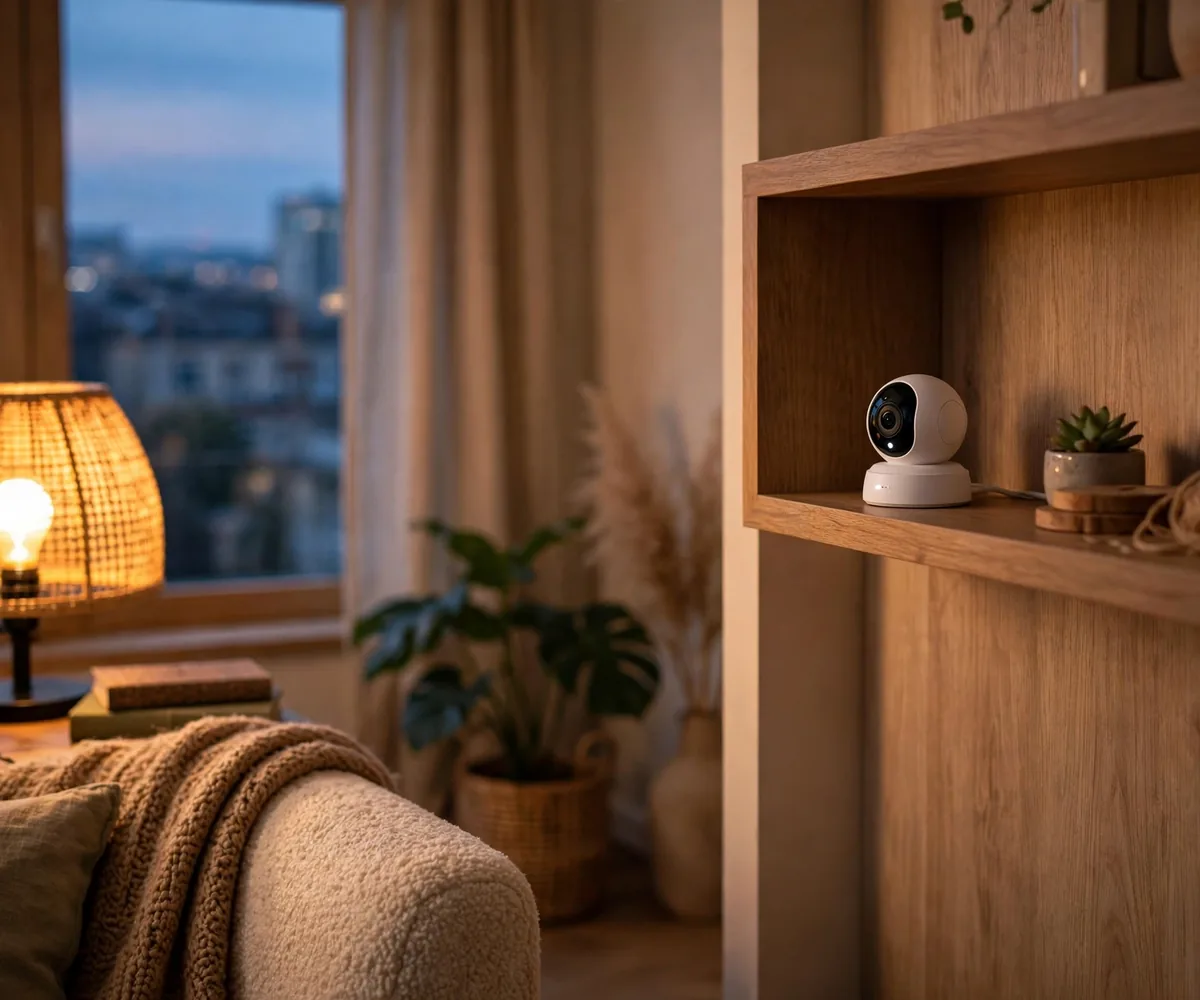
This is your command center. Add a smart plug behind the TV setup so one voice command kills the TV, console, and speakers together (goodbye, standby power drain). A smart bulb or two in floor lamps lets you set movie-night lighting without getting up. If your landlord allows nothing on the walls, a freestanding indoor camera on a shelf gives you peace of mind without a single screw.
Bedroom
Sleep is sacred, so automate it. Put your bedside lamp on a smart bulb with a gentle wake-up routine. Lights that slowly brighten feel far better than an alarm blaring in the dark. A smart plug on a white noise machine or fan can run it on a sleep timer. Keep it simple: the bedroom should calm you down, not feel like a cockpit.
Kitchen
Rentals usually have the worst kitchen lighting, and you can’t rewire it. So don’t. Battery-powered motion-sensor lights with adhesive backing go under cabinets in seconds and make night-time snacking dramatically better. A smart plug on the coffee maker means waking up to brewed coffee. That’s it. The kitchen doesn’t need much.
Entryway
This is where renters feel the biggest upgrade. A retrofit smart lock (like the August style) fits over your existing deadbolt: no lock replacement, no new keys for the landlord to worry about, and it comes off cleanly when you move. Pair it with a battery-powered video doorbell mounted with adhesive or a no-drill bracket. You’ll never wonder “did I lock the door?” again.
What to Avoid as a Renter
Knowing what not to buy saves more money than any sale. Skip these:
- Hardwired video doorbells. They need your existing doorbell wiring. You don’t have it, or you’re not allowed to touch it. Battery-powered is the renter’s doorbell.
- Smart thermostats (usually). Most need a C-wire and access to the HVAC system, both are landlord territory. Some rentals work with them, but always ask first, in writing.
- Wired security cameras. Anything that needs cables run through walls is a hard no. Stick to battery or plug-in cameras on shelves and stands.
- Replacing built-in fixtures. That ugly ceiling light? It’s the landlord’s ugly ceiling light. Smart bulbs in your own lamps give you 90% of the benefit with 0% of the risk.
- Devices that need a hub you can’t place freely. Most modern devices work over Wi-Fi with no hub at all. If something demands its own hub wired to the router, make sure you’re comfortable with that setup.
When in doubt, apply the three rules. They haven’t failed yet.
Moving Out: Taking Your Smart Home With You
This is the part homeowners never think about, and it’s your superpower as a renter. Your smart home isn’t installed. It’s deployed. Moving it is easy:
- Unplug everything. Bulbs unscrew, plugs pull out, speakers lift off the shelf. Ten minutes, tops.
- Factory-reset each device in its app before you pack it. This unlinks it from your account and your old Wi-Fi, so setup at the new place is clean.
- Remove adhesive mounts with heat. A hairdryer softens most adhesive strips so they peel off without paint damage. Go slow, patience now saves your deposit later.
- Do a walkthrough. Check every room the way a picky landlord would. No mounts, no residue, no trace.
At the new apartment, setup is even faster than the first time, you already know the apps, and your devices remember your preferences. Most renters get their whole smart home running in the new place in under an hour.
FAQs
Will smart devices work with my apartment’s Wi-Fi?
Usually, yes. The one exception: some apartment buildings use “captive portal” Wi-Fi (the kind that makes you click “I agree” on a web page). Most smart devices can’t click through those pages. If your building uses that system, a cheap travel router solves it: your devices connect to the router, the router handles the portal.
Can my landlord stop me from having smart devices?
For plug-in, battery-powered devices that don’t modify the property, generally no. You’re not altering anything. That said, always read your lease, and if you’re unsure about something (like a retrofit lock), a quick written okay from the landlord protects everyone.
Do I need a smart home hub?
Not anymore. A few years ago, hubs were mandatory. Today, most renter-friendly devices connect directly over Wi-Fi and are controlled through their app or your smart speaker. Skip the hub unless you get deep into automation later.
What happens to my devices if the internet goes down?
Most devices keep their basic function: a smart bulb still works as a bulb via its switch, a smart plug still passes power. Schedules and voice control pause until Wi-Fi returns. Nothing breaks permanently.
Is it safe to use smart devices on shared apartment Wi-Fi?
Use the basics: a strong Wi-Fi password, two-factor authentication on your device accounts, and keep firmware updated. For extra peace of mind, many routers let you put smart devices on a separate “guest” network, isolated from your laptop and phone.
The Bottom Line
A renter friendly smart home isn’t a compromise. It’s a strategy. No drilling, no rewiring, nothing permanent. Just thoughtful devices that make your rental feel like yours, and move with you when it’s time to go.
Start with the 5-minute kit. Expand room by room. Skip the stuff that needs a landlord’s signature. And when moving day comes, pack your smart home in the same box as your coffee maker.
Your apartment was never the limitation. Now you know it.
New here? This guide is the starting point for everything on Smart Home for Renters. As we publish room-by-room guides, camera picks, and doorbell breakdowns, they’ll all link back here, bookmark this page.
Keep reading:
3 Comments