Best Apartment Security Cameras for Renters (2026 Buying Guide)
Last updated: October 7, 2026.
Quick Answer: The Wyze Cam v4 is the best apartment security camera for most renters in 2026. It costs around $36, records sharp 2.5K video to a microSD card with no subscription, mounts without drilling, and handles crowded apartment Wi-Fi on both 2.4 and 5 GHz. If you want zero monthly fees forever, get the eufy Indoor Cam E30 (around $70) instead.
Shopping for a security camera as a renter is different from shopping as a homeowner. You can’t
drill mounts into walls, run wires through ceilings, or install a wired doorbell system. You need cameras that work with your lease, not against it.
This guide to apartment security cameras for renters covers exactly what to look for, so you buy once, mount it in minutes, and take it with you w
New here? Start with our Renter-Friendly Smart Home: The Complete Starter Guide, this article is part of that series.
What Makes a Camera “Renter-Friendly”?
Before comparing apartment security cameras for renters on features, filter for these five renter essentials. If a camera fails any of them, skip it:
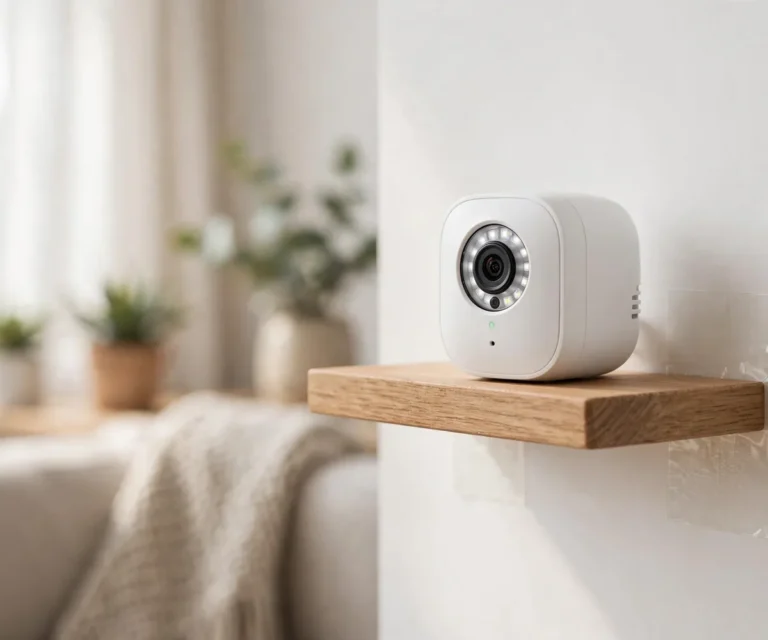
- No-drill mounting. It should sit on a shelf, stick with adhesive, clamp to a rod, or screw onto a standard tripod, no wall anchors, no screws into drywall. (We covered all six methods in our guide to mounting an indoor camera without drilling.)
- No wiring. Battery-powered or plug-in with a regular outlet. If it needs an electrician, it’s not for you.
- Strong Wi-Fi performance. Apartment walls, interference from neighbors’ networks, and distance from the router kill weak cameras. Look for dual-band Wi-Fi (2.4 + 5 GHz) support.
- Easy to take with you. Small, light, and quick to factory-reset. You’ll do this on moving day.
- No subscription required for basics. Many cameras lock recordings behind monthly plans. For renters, local storage (microSD) or free cloud clips are a big plus.
Our Top Picks for Renters (2026)
Don’t want to read 3,000 words? Fair enough. Here are the four cameras I’d actually recommend to a renter friend. Every one of them mounts without drilling, and none needs an electrician.
| Camera | Best for | Why renters love it | Approx. price |
|---|---|---|---|
| Wyze Cam v4 | Best budget pick | 2.5K QHD video, microSD slot, no hub needed | ~$36 |
| eufy Indoor Cam E30 | Best without subscription | Local storage + on-device detection, $0/month | ~$70 |
| Blink Mini 2 | Best for Alexa households | Tiny, cheap, deep Alexa integration | ~$40 |
| Arlo Essential Indoor 2nd Gen | Best video quality | 2K HDR, 130° wide view, crisp night vision | ~$130 |
Prices change often. Check the current price before buying.
Detailed Reviews
Wyze Cam v4: Best budget pick
This is the camera I recommend to most renters, and honestly it’s not close at this price. The 2.5K picture is noticeably sharper than the 1080p cameras it competes with. It records straight to a microSD card, so nobody holds your footage hostage behind a paywall. And it connects on both 2.4 and 5 GHz, which matters more than you’d think when twenty neighbors’ routers are fighting yours. Stick it on a shelf, done.
Pros:
- Very affordable
- Local storage with no monthly fee
- Dual-band Wi-Fi for crowded apartment networks
Cons:
- The app pushes the Cam Plus subscription hard
- Person detection needs the paid plan
eufy Indoor Cam E30: Best without a subscription
Hate subscriptions? Same. The E30 is the answer. Your footage stays on the camera itself, person and pet detection happen on the device instead of in some cloud, and there’s no free tier that mysteriously loses features after a year. Yes, it costs more upfront than a Wyze. But run the 3-year math below and you’ll see why it wins.
Pros:
- Zero subscription needed
- On-device AI detection
- Pan-and-tilt covers a whole room
Cons:
- Higher upfront cost
- App is less polished than Arlo or Nest
Blink Mini 2: Best for Alexa households
If your apartment already runs on Alexa, this one’s a no-brainer. Ask your Echo Show to pull up the camera, get motion announcements, build routines. It all just works. The tradeoff: the free cloud trial runs out, and local storage means buying the Sync Module 2 separately. Still the cheapest ticket in.
Pros:
- Cheapest way in
- Great Alexa integration
- Compact enough for any shelf
Cons:
- Local storage needs the separate Sync Module
- Free cloud trial expires
Arlo Essential Indoor 2nd Gen: Best video quality
This is the pick for people who want the best picture and treat money as secondary. 2K HDR with a 130° view genuinely looks better than everything else here, and the night vision is excellent. But let’s be real. Arlo basically requires the Arlo Secure plan to be useful, so add roughly $5/month to whatever price you see. Over three years, it’s the most expensive camera on this list by a mile.
Pros:
- Best-in-class video
- Wide view covers whole rooms
- Built-in privacy shutter for shared apartments
Cons:
- Subscription practically required
- Highest total cost over 3 years
3 Types of Apartment Security Cameras
Most renters need one, maybe two, of these:
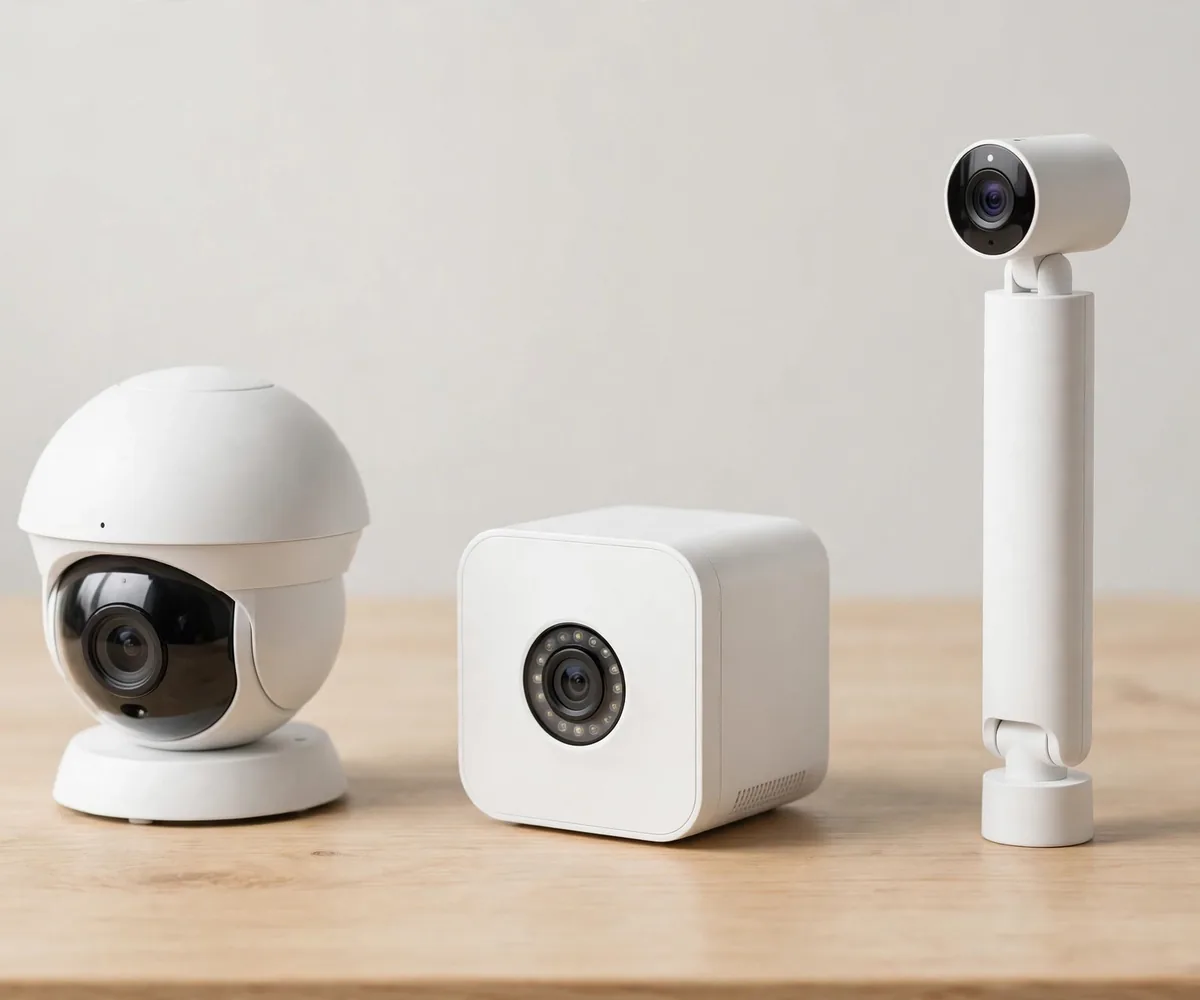
Indoor cameras
Your all-rounder. Watches the living room, hallway, or entry from a shelf or adhesive mount. Best first purchase for any renter. Battery models go anywhere; plug-in models are cheaper and never need charging.
Video doorbells (battery-powered)
The apartment classic, with a catch. Battery doorbells mount with adhesive or a no-drill bracket, but many apartments don’t allow anything mounted outside the front door. Check your lease and ask your landlord first. If door mounting is banned, a window-facing indoor camera (below) is your fallback.
Window-facing cameras
An indoor camera pointed out a window to watch the parking area, entrance, or street. Suction-cup window mounts make this easy. One warning: at night, infrared LEDs reflect off glass and blind the camera, disable night vision and rely on outdoor lighting instead.
Features That Actually Matter (and Ones That Don’t)
Worth paying for:
- 1080p or higher resolution. Below that, faces are blobs. 2K is the current sweet spot.
- Two-way audio. Talk through the camera, useful for deliveries and deterring porch pirates.
- Motion zones. Draw a box around your doorway and ignore the hallway traffic. Without zones, you’ll get 40 notifications a day.
- Local storage. A microSD slot means your footage stays yours with no monthly fee.
- Wide field of view (120°+). One camera covers a whole room; narrow lenses need two.
Nice but optional:
- Color night vision, pet detection, package alerts, pleasant extras, not decision-makers.
Mostly marketing:
- “AI-powered everything,” 4K resolution on a tiny sensor (eats storage, marginal benefit indoors), and bundled cloud plans you didn’t ask for.
Battery vs. Plug-In: Which Should You Buy?
| Battery | Plug-in | |
|---|---|---|
| Placement | Anywhere | Near an outlet |
| Maintenance | Recharge every 2 to 6 months | None |
| Price | Higher upfront | Cheaper |
| Best for | Windows, shelves far from outlets | Living room, bedroom, hallway |
Most renters end up with a mix: plug-in for the main room, battery for the tricky spots. If you buy
battery, check the real-world battery life in reviews. Manufacturer claims assume minimal motion triggers, and a busy hallway drains batteries fast.
Do the 3-Year Subscription Math
Here’s the math nobody does before buying. Five dollars a month times 36 months is $180. That’s more than the camera. So before you click buy, do this: camera price plus monthly fee times 36. A $70 eufy at $0/month is $70 total. A $40 camera at $5/month is $220 total. For renters watching their budget, local storage wins every time.
Placement: Where Renters Get It Wrong
- Face entry points, not walls. Front door first, then ground-floor windows, then the main living area.
- Height matters. Around 7 to 8 feet (2 to 2.5m): high enough for full-room coverage, low enough to capture faces.
- Test Wi-Fi at the spot. Stream the live view for five minutes before committing to a mount. A perfect angle with a stuttering feed is useless.
- Mind the neighbors. Angle cameras away from neighboring windows and shared hallways where possible. Your security shouldn’t become someone else’s privacy complaint.
Privacy and Legal Basics for Renters
Short version, not legal advice:
- Inside your own apartment, you can generally use cameras freely, it’s your private space.
- Shared apartments: tell your roommates about cameras in common areas. It’s legal in most places, but trust is worth more than a technicality.
- Audio recording has stricter rules than video in some US states (two-party consent). If your camera records audio in a shared space, check your state’s rule.
- Never point cameras at a neighbor’s windows or into their home. That’s where “home security” becomes a legal problem.
- Landlords generally can’t ban indoor cameras in your own unit, but they can restrict what you mount outside your door or in hallways. Read the lease.
5 Mistakes Renters Make When Buying
- Buying before checking the lease. Especially for doorbells, exterior mounting rules vary wildly.
- Ignoring the subscription trap. That $40 camera costs $150/year if basic features need a plan. Check what’s free first.
- Skipping the Wi-Fi test. Dead zones turn cameras into paperweights.
- Mounting with weak adhesive. Match the mount’s weight rating to the camera with margin. A 3 a.m. crash is how cameras die.
- Forgetting moving day. Before you pack: factory-reset the camera in its app so it’s unlinked from your old Wi-Fi and account.
FAQs
How many cameras does a renter need?
Start with one covering the main entry. Most apartments are fully covered with two: one at the front door area, one in the main living space. More cameras = more charging, more notifications, more hassle.
Can my landlord stop me from having indoor cameras?
Inside your own unit, generally no. But they can restrict exterior mounts, hallway cameras, and anything drilled into walls. When in doubt, ask before mounting anything outside your door.
Do I need a subscription?
No, if you choose right. Cameras with microSD local storage record without any plan. Subscriptions add cloud backup and fancy detection, but basics should work free.
Battery or plug-in for an apartment?
Plug-in if there’s an outlet near your chosen spot (cheaper, zero upkeep). Battery if you need total freedom (windows, far shelves). A mix of both is the most common renter setup.
What do I do with cameras when I move?
Unstick or unclamp them, factory-reset in the app (unlinks Wi-Fi and your account), pack with your electronics. Setup in the new place takes about ten minutes per camera.
Which camera is best if I hate subscriptions?
The eufy Indoor Cam E30. Pay once, never again, because everything happens on the device. On a tighter budget? Grab the Wyze Cam v4 with a microSD card.
The Bottom Line
The best apartment security cameras for renters aren’t the most expensive ones, they’re the ones that mount without damage, work on your Wi-Fi, store footage without a forced subscription, and move with you in one box.
Buy for your lease, not for a house you’ll own someday. One good camera, placed well, beats three badly placed ones every time.