
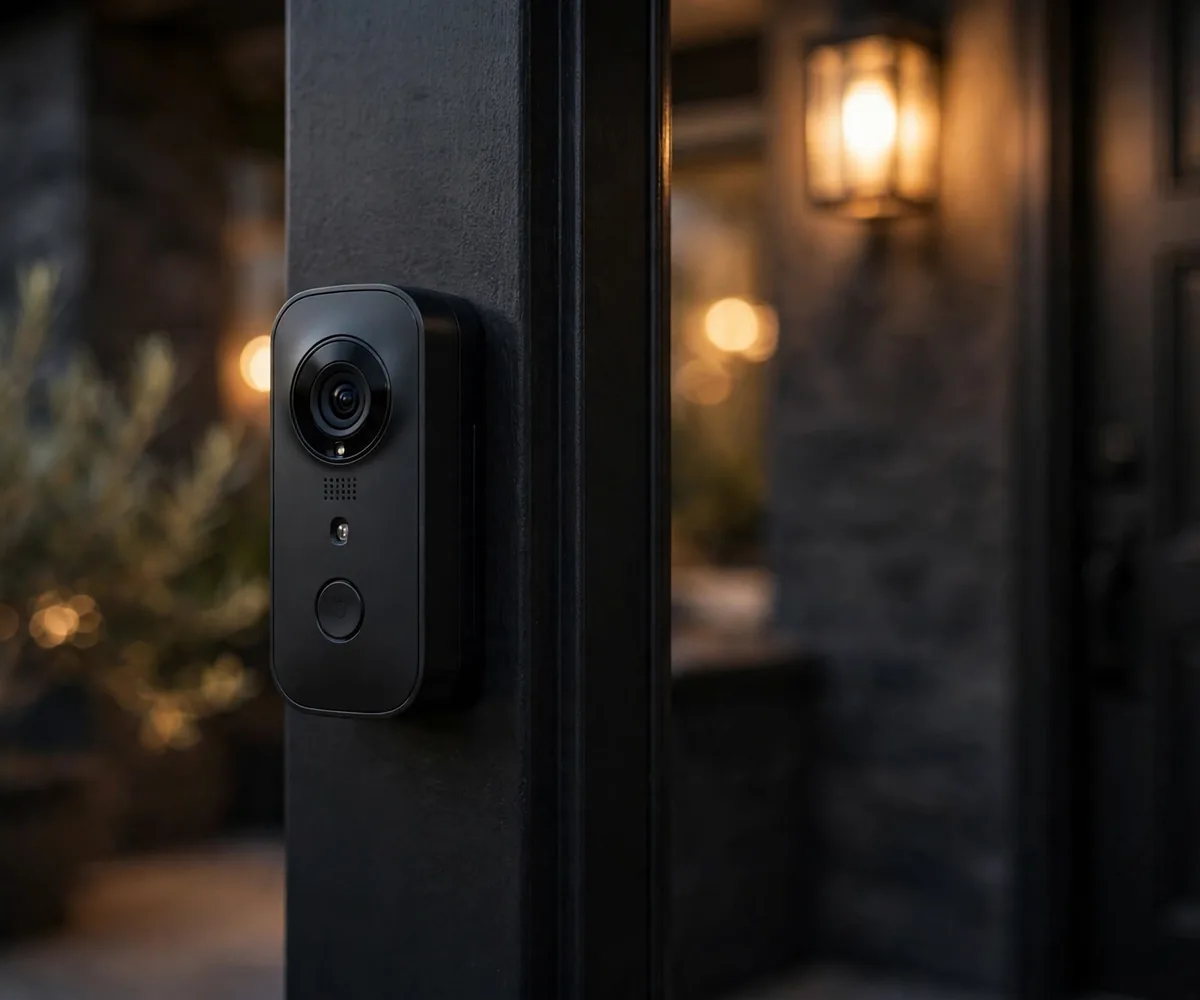
Video Doorbells for Apartments Without Existing Wiring
Every renter knows the feeling: a package goes missing, someone knocks and you’re in the shower, or you just want to know who’s at the door before opening it. A video doorbell solves all of that, if you can install one without wiring.
Here’s the renter’s reality: most apartments don’t have existing doorbell wiring, and even if they do, you’re usually not allowed to touch it. This guide covers how to get a working video doorbell anyway: battery-powered options, no-drill mounts, lease rules, and what to do when your landlord says no to everything.
New here? Start with our Renter-Friendly Smart Home: The Complete Starter Guide. This article is part of that series.
Why Video Doorbells Are Tricky for Renters
Two problems, both lease-related:
- No wiring. Traditional doorbells need low-voltage wiring connected to a transformer and chime box. Most apartments, especially older ones, simply don’t have it, and running new wire means drilling through walls. Hard no.
- Nothing outside your door. Many leases ban mounting anything on the exterior: no screws in the doorframe, no brackets on the hallway wall. Your front door area often isn’t legally “yours” the way your living room is.
The fix for problem #1 is easy: battery-powered doorbells. Problem #2 needs a conversation (more on that below).
Battery-Powered Doorbells: The Renter’s Answer
Battery video doorbells were basically invented for this situation. They:
- Mount with adhesive or a no-drill bracket, zero wiring, zero screws
- Run 2–6 months per charge depending on motion traffic
- Connect over Wi-Fi and ring your phone instead of a wall chime
- Come off cleanly when you move
What to look for when buying:
- Battery life in real conditions. Manufacturer claims assume ~10 motion events a day. A busy apartment hallway can trigger 50+. Check reviews for real-world battery reports.
- Removable battery. Swapping a charged spare takes 30 seconds; waiting for a built-in battery to recharge means days without a doorbell.
- Motion zones. Essential in hallways: draw a box around your doorway and ignore neighbors walking past, or you’ll get 60 notifications before lunch.
- Two-way talk. The whole point: speak to visitors and couriers without opening the door.
- Local or free cloud storage. Some brands lock video history behind subscriptions. For renters, free event clips or local storage is a big plus.
4 No-Drill Ways to Mount a Video Doorbell
1. Heavy-duty adhesive mount
The simplest option. Industrial adhesive strips or a purpose-made adhesive doorbell mount sticks to the doorframe or wall beside the door. Works on smooth painted surfaces, metal, and tile. Clean the surface with alcohol first, press firmly for 60 seconds, and wait 24 hours before hanging the doorbell.
2. No-drill doorbell bracket
Brackets that clamp onto the door itself or wedge into the doorframe without screws. Made specifically for popular doorbell models. More secure than adhesive and just as reversible.
3. Freestanding/shelf placement
No rule says a doorbell must be on the door. A battery doorbell sitting on a hallway shelf or shoe rack, angled at the door, works fine as a motion-activated camera with two-way talk. Not elegant, but zero-risk.
4. Suction mount on glass
If your door has a glass panel or there’s a sidelight window, a heavy-duty suction mount holds a lightweight doorbell. Same caveat as window cameras: clean the glass thoroughly first.
(Mounting an indoor camera? We covered all six no-drill methods in our guide to mounting an indoor camera without drilling.)
The Lease Question: Ask Before You Mount Anything Outside
This is the step renters skip, and shouldn’t. Anything mounted outside your front door (hallway, exterior wall, doorframe exterior) may fall under building rules, not just your lease. Before mounting:
- Read your lease for clauses about exterior fixtures, hallways, and common areas.
- Ask your landlord in writing (email counts). A simple “I’d like to mount a small battery doorbell beside my door with removable adhesive, no drilling, no damage. Is that okay?” A written yes protects you at move-out.
- Check building/HOA rules if applicable, some buildings ban all hallway devices regardless of what your landlord says.
If the answer is no, don’t fight it. Use the alternatives below.
When the Answer Is No: 3 Alternatives That Still Work
1. Window-facing indoor camera. An indoor camera on a suction mount, pointed through a window or peephole-adjacent glass at your doorway. You lose the doorbell button, but keep motion alerts, two-way talk, and package detection. No exterior mount needed.
2. Smart lock with entry alerts. A retrofit smart lock (fits over your existing deadbolt, no replacement) tells you exactly when the door opens and auto-locks behind you. It doesn’t show visitors, but paired with a hallway camera it covers 90% of what a doorbell does.
3. Peephole camera. A camera that replaces or fits into your existing peephole, no drilling, uses the hole that’s already there. Check with your landlord first, since it modifies the door
slightly (though reversibly).
Not sure which type suits your door? Read our Peephole Camera vs Video Doorbell comparison.
Battery Life: The Honest Math
This is where renters get burned. Here’s how to think about it:
- Quiet hallway (few neighbors): 4–6 months per charge. Easy.
- Busy hallway (apartments, foot traffic): 1–3 months. Motion zones help enormously, without them, every passerby wakes the camera.
- Cold climates: batteries drain faster in winter. If your hallway is unheated, expect 20–30% less life.
Pro tip: buy a second battery if your model supports swappable ones. Swap-and-charge beats doorbell-downtime every time.
5 Mistakes Renters Make With Video Doorbells
- Mounting before asking. Exterior mounts without permission are the #1 way to lose a deposit fight.
- Ignoring motion zones. A doorbell without zones in a busy hallway is a notification firehose, you’ll mute it, defeating the purpose.
- Forgetting the chime. Battery doorbells ring your phone, not a wall chime. If your phone is on silent, you’ll miss visitors. Get the brand’s plug-in chime accessory for inside the apartment.
- Weak Wi-Fi at the door. Hallways are often the farthest point from the router. Test the live view at the mounting spot before committing.
- Not planning for move-out. Adhesive comes off with heat (hairdryer, slow peel). Brackets unclamp in seconds. Leave zero trace.
FAQs
Can my landlord really ban a doorbell? They can restrict what you attach to the building’s exterior and common areas, which is usually where a doorbell goes. Inside your unit is your business; the hallway often isn’t. Always ask in writing.
Do battery doorbells work in winter? Yes, but cold shortens battery life noticeably. In unheated hallways, expect to charge more often in winter months.
What if my apartment has existing doorbell wiring? Lucky. But check your lease before touching it. Many leases still forbid modifying electrical fixtures. A battery doorbell avoids the question entirely.
Can I use a video doorbell as my only security camera? It covers the door, which is the highest-value spot. For full coverage, pair it with one indoor camera watching the main living area: two devices, whole apartment covered.
What do I do with it when I move? Unstick or unclamp it, factory-reset in the app (unlinks your Wi-Fi and account), pack it with your electronics. Setup in the new place takes ten minutes, and you’ll already have the landlord conversation template ready.
The Bottom Line
Video doorbells aren’t off-limits for renters, they just need the renter’s playbook: battery power, no-drill mounting, and a quick written okay from the landlord before anything goes outside your door.
Get those three right, and you’ll never miss a package or wonder who’s knocking again. When moving day comes, the doorbell comes with you: no holes, no wiring, no drama.
One Comment